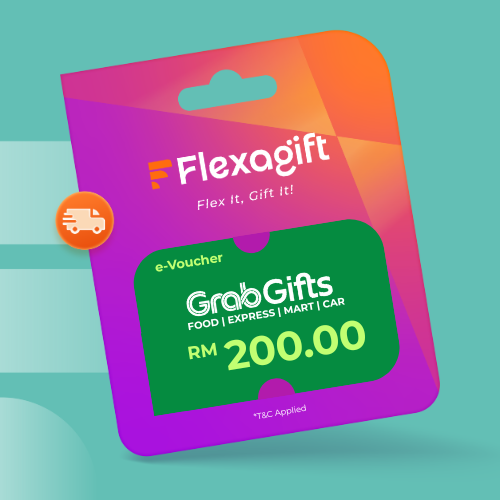
GrabGifts is a digital Grab voucher that provides discounted fees for Grab services such as GrabTransport, GrabFood, GrabMart, and GrabExpress.
GrabGifts can be used for any moment or occasion. Send GrabGifts now to your special someone via PaysGift.
Step 1: Receive e-URLs via Email. Please click ‘View Voucher’ to see coupon
Step 2: Scroll to the bottom to click ‘ISSUE COUPON’
Step 3: Copy “PIN”
Step 4: Open your Grab App, click on the "All" icon
Step 5: Select “Gifts”
Step 6: Access the Gifts icon located in the top right corner of your Grab App
Step 7: Paste your e-VOUCHER CODE
Step 8: Select which Grab Service (i.e. TRANSPORTATION, FOOD, MART OR EXPRESS)
Step 9: Choose your preferred Voucher erred breakdown of the e-Voucher denomination
Step 10: Follow the purchase steps and click "Apply"
Step 11: Congratulations! You have successfully applied your e-Voucher discount to your purchase