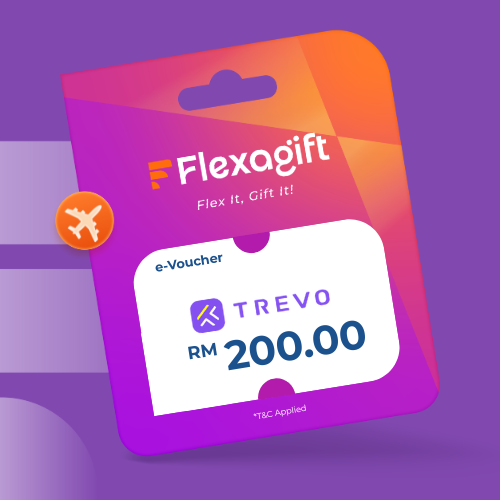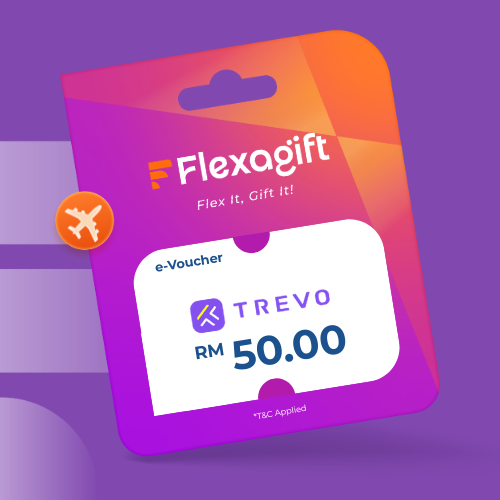
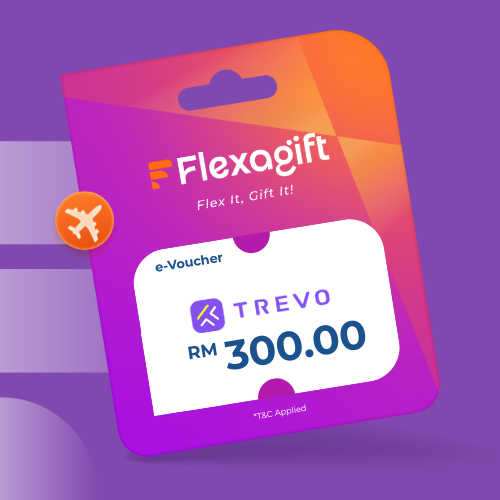
TREVO is a Malaysian trusted peer-to-peer car sharing platform where Guests can rent any car that fits their needs, from the nearest Hosts in the TREVO community.
Step 1: Receive e-Voucher URLs via Email. Please click ‘View Voucher’ to see coupon
Step 2: Scroll to the bottom to click ‘ISSUE COUPON’
Step 3: Copy "CODE"
Step 4: Download the TREVO app at: https://go.trevo.my
Step 5: On TREVO, go to [Account > Promo], enter the code and tap on [+]
Step 6: Select your preferred dates and the car you want to book
Step 7: Plan your drives 12 HOURS ahead of time
Step 8: Upon checkout, select the [Promo Code] to be applied and you're done!
Step 9: Please wait patiently for the Host to accept your booking and drive safe
Step 10: For additional enquiries, please reach out to us via the TREVO in-app Live Chat [TREVO app > Account > Contact Us > Live Chat]