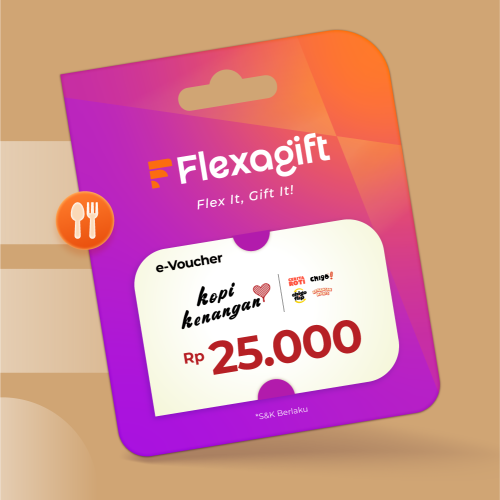
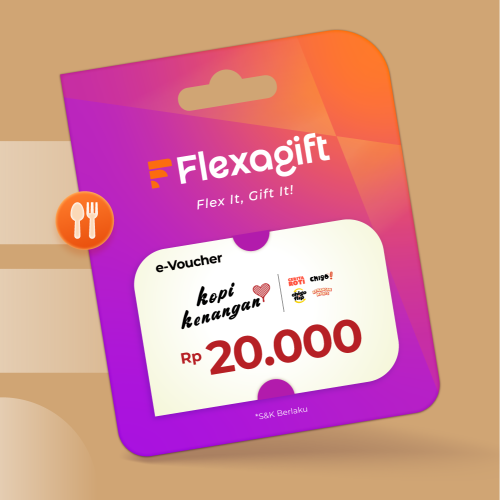
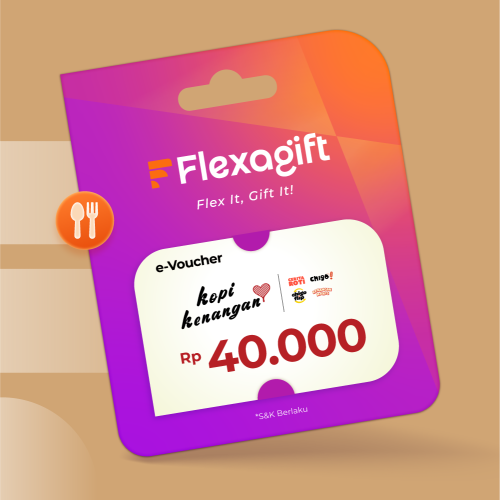
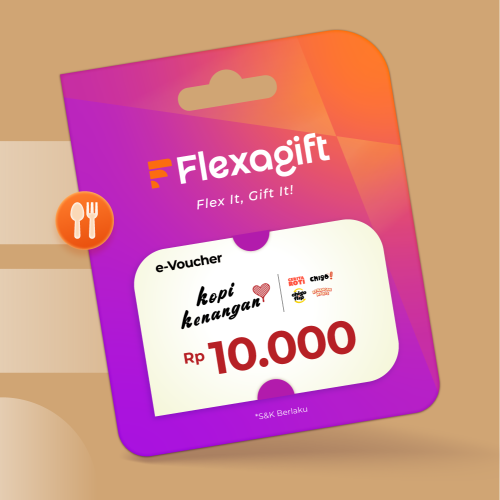
Kopi Kenangan is the local coffee giant that won everyone over with its iconic "Kopi Kenangan Mantan.
🎁 Kopi Kenangan Voucher Terms & Conditions
📌 General Terms
- Voucher is valid at all Kopi Kenangan outlets, including Kenangan Heritage and Kenangan Signature, except at Cloud Kitchen outlets, & Aeon BSD Mall, Airports, and Event Booths.
- Voucher is valid for 1 (one) transaction per unique code.
- Voucher is valid with no minimum purchase.
⚠️ Usage Terms
- Voucher can be redeemed online via the Kopi Kenangan application by entering the voucher code, or directly at the cashier by showing the voucher code.
- If the voucher code has been claimed through the Kopi Kenangan application, the transaction must be completed through the application.
- If a code has been used or attempted to be claimed through the Kopi Kenangan application, it will be considered claimed and cannot be used again for other accounts or transactions.
- Voucher is not valid for purchases on the custom merchandise page.
- Voucher cannot be combined with combo purchases, additional toppings, or other promotional menus.
- Payments using vouchers will not earn Kenangan Points.
- Voucher is valid every day, including public holidays.
- Voucher price is inclusive of tax and service charges.
- Voucher is only valid for non-promotional menu purchases and merchandise (excluding custom merchandise page).
- Voucher cannot be exchanged for cash (refund) or returned to the store (cancel).
🔒 Security
- Users are responsible for maintaining the confidentiality of the E-Voucher link/barcode.
📱 How to Use Voucher in Kopi Kenangan App (Pick Up)
- Open the Kopi Kenangan application.
- Select the “Pick Up” feature, then click “Promo”.
- Enter your unique voucher code in the provided field.
- Click the “Use” button.
- Your voucher is now ready to be used in the Kopi Kenangan app.
- Select menu items according to your voucher type.
- Ensure the voucher is selected during payment in the app.
- Click “Pay” to complete the transaction.
- Wait for your order to be processed for pick-up.
- Once ready, show the QR Code to the cashier to collect your order.
🚚 How to Use Voucher for Delivery in Kopi Kenangan App
- Open the Kopi Kenangan application.
- Select the “Delivery” feature, then click “Promo”.
- Enter your unique voucher code in the provided field.
- Click the “Use” button.
- Your voucher is now ready to be used in the Kopi Kenangan app.
- Select menu items according to your voucher type.
- Ensure the voucher is selected during payment in the app.
- Click “Pay” to complete the transaction.
- Wait for your order to be processed, picked up, and delivered by the driver to your location.
- Your order has arrived and is ready to enjoy